by ToolHustle.ai
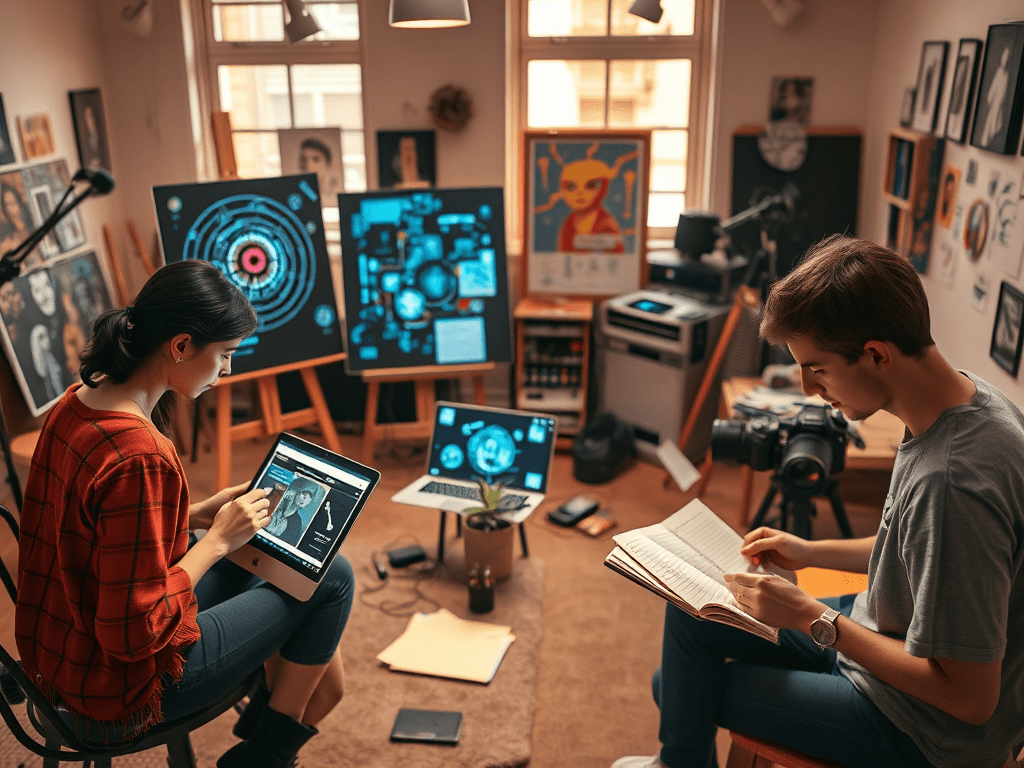
Artists have always been pioneers—painters experimenting with new pigments, musicians bending genres, and photographers pushing light and shadow. Today, there’s a new brush, instrument, and lens on the table: Artificial Intelligence.
Some fear AI will replace creativity. But in truth, it can become a creative partner—helping you experiment, brainstorm, and refine your craft without ever replacing your unique artistic voice.
Here are practical ways artists can use AI tools today:
🎨 For Visual Artists & Designers
• DALL·E & MidJourney: Generate concept art, mockups, or explore visual directions before committing to canvas or digital design. Think of them as “sketchbooks on steroids.”
• Runway ML: Experiment with style transfers, motion effects, and new media forms to bring static art to life.
• Adobe Firefly: Seamlessly blend AI into existing Photoshop workflows for pattern generation, background expansion, or color palette exploration.
Creative use: Upload your unfinished sketch into an AI tool to test different backgrounds, color schemes, or surreal twists you might never have considered.
🎶 For Musicians & Producers
• AIVA: Compose orchestral music, beats, or melodies you can sample, remix, or layer.
• LANDR: Automated mastering that gives you quick previews of how tracks will sound polished—freeing you to focus on composing.
• Boomy: Instantly generate backing tracks or soundscapes to experiment with new song directions.
Creative use: Struggling with writer’s block? Have AI generate five variations of chord progressions, then tweak and layer them until you create something authentically yours.
📸 For Photographers
• Luminar Neo: AI-powered photo editing for lighting, sky replacement, and noise reduction.
• Topaz Labs: Upscale and enhance older or lower-quality images without losing detail.
• Remove.bg: Instantly clean up photo shoots by eliminating distracting backgrounds.
Creative use: Use AI to explore alternate edits of the same photo—dark and moody vs. bright and surreal—to discover new aesthetics.
✍🏽 For Writers & Storytellers
• ChatGPT: Brainstorm plotlines, character arcs, or creative prompts.
• Sudowrite: An AI assistant designed for novelists and poets—offering fresh metaphors, tone variations, and narrative twists.
• Notion AI: Helps with organizing and outlining projects, freeing you to focus on the writing itself.
Creative use: When stuck, ask AI to generate 10 wild metaphors or scenarios. You don’t have to use them directly, but they’ll jog your imagination in new directions.
The Key: Use AI as a Spark, Not a Crutch
AI is powerful, but it works best when treated like a studio assistant—handing you brushes, adjusting the mic, cleaning up drafts—while the vision and soul remain yours.
Instead of worrying about AI replacing artists, think of it as expanding your creative toolkit. The challenge is not to let automation dull your edge, but to keep experimenting, adapting, and staying human in your art.
✅ Takeaway: Don’t fear AI. Play with it. Challenge it. Twist it. Break it. Use it to accelerate your flow, but never outsource your vision. The art is in you—the tools are just extensions.
👉 Want more strategies on how to embrace AI without losing your edge? Explore more insights at ToolHustle.ai.
 ToolHustle.ai
Leave a comment